In this article, we explain how and where to buy books for Kindle, and whether you can do this using an app or a web browser through Amazon or Kindle.

How to purchase Kindle books
For the start, it’s important to understand how to purchase Kindle books the right way. At the beginning, your Kindle device or app must be connected to an Amazon account. Usually, this is already done. If not, follow the on-screen instructions: connect to Wi-Fi and sign in using your Amazon email and password. Once setup is complete, you can proceed with selecting and buying eBooks.
To begin a kindle book purchase, make sure you are on the home screen of your device. From there, you can easily browse categories or search for a specific title. If you are currently reading a book, tap the top of the screen to return to the main menu.
Where to buy Kindle books
Many users ask where to buy Kindle books and what options are available. There are two main ways to do this.
Buying through Amazon in a web browser
If you are thinking about how to buy Kindle books on Amazon, you can do this through any web browser. Just follow four easy steps: open Amazon on your computer or mobile browser, find the book you want, select the Kindle format, and complete the purchase. This method also works if you are using an iPhone.
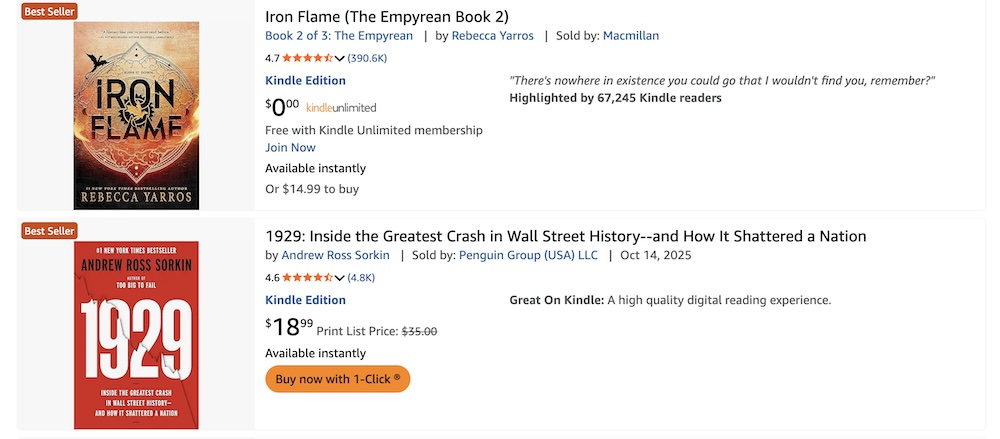
This is especially useful for those looking to buy Kindle books on iPhone, since purchases cannot be completed directly inside the Kindle app.
Buying directly on a Kindle e-reader
The second option for those asking where to purchase Kindle books is using a Kindle e-reader itself. The device is already linked to your Amazon account, payment details are saved. Simply search for a book, tap the buy button, and the book will download instantly if you are connected to the internet.
Buying Kindle books on the app
Many users ask and search, "Can you buy books on the Kindle app?". The answer depends on the device. When it comes to buying Kindle books on app versions for iOS or Android, direct purchases are not available.
Instead, open Amazon in a browser, complete the purchase there, and the book will automatically appear in your Kindle library. This approach answers the common question, how do I buy Kindle books, when using a mobile device.
Getting books on Kindle
If you’re still unsure how to get books on Kindle, the process is simple: buy them through Amazon, then sync your device or app. The purchased content will appear in your library, ready to download and read anytime.
For beginners asking, do you have to buy books on Kindle, keep in mind that not all titles are paid, as Amazon and Kindle Unlimited also offer free options.
Ordering a Kindle device from the USA
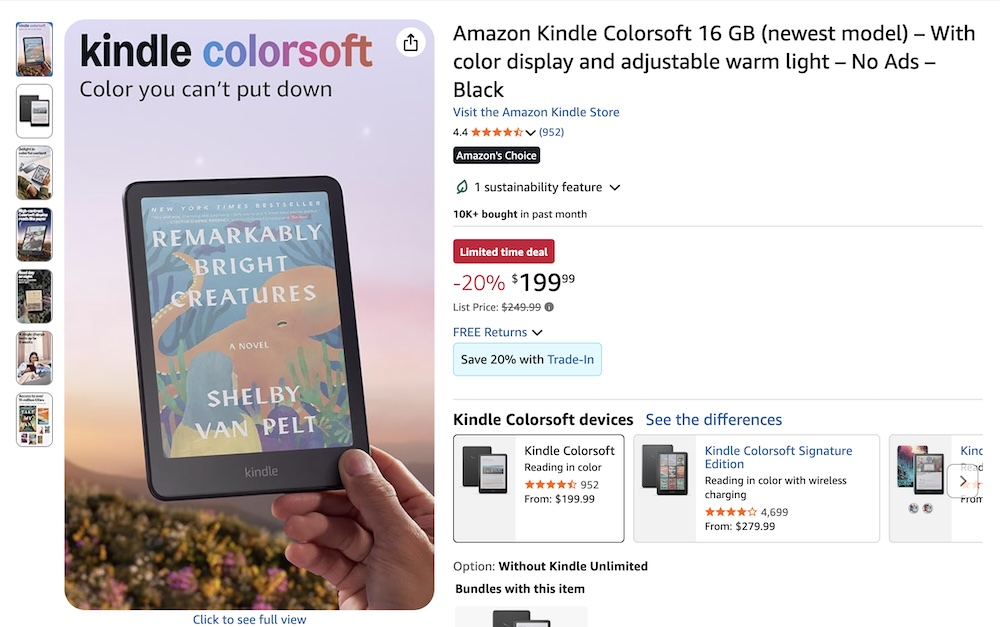
If you don’t have a device yet and are wondering where to buy Kindle books and how to read them comfortably, you may also want to get a Kindle e-reader. Even if Kindle devices are not officially sold in your country, ordering one is still easy. You can purchase a Kindle directly from the American Amazon store in the USA and use a package forwarding service like Qwintry.
With Qwintry your order is delivered to a U.S. warehouse first and then forwarded to many countries worldwide. This makes it easy to purchase an original Kindle device and enjoy reading books in digital format.
 Discounts + Coupons + Sales
 Buy PS5 at Affordable Price in Canada
  Yeezy Slide Size Chart
  What is special request and how to use it?
  The purpose and different types of packaging
  Parcel Returns: how to return the parcel to the seller
  Zara Canada Shipping Made Easy: Guide to Convenient Deliveries
  White Friday 2025 — all year round sale
  Does Temu Deliver to Canada
  Target Ship to Canada: Expanded Shipping